
Launch
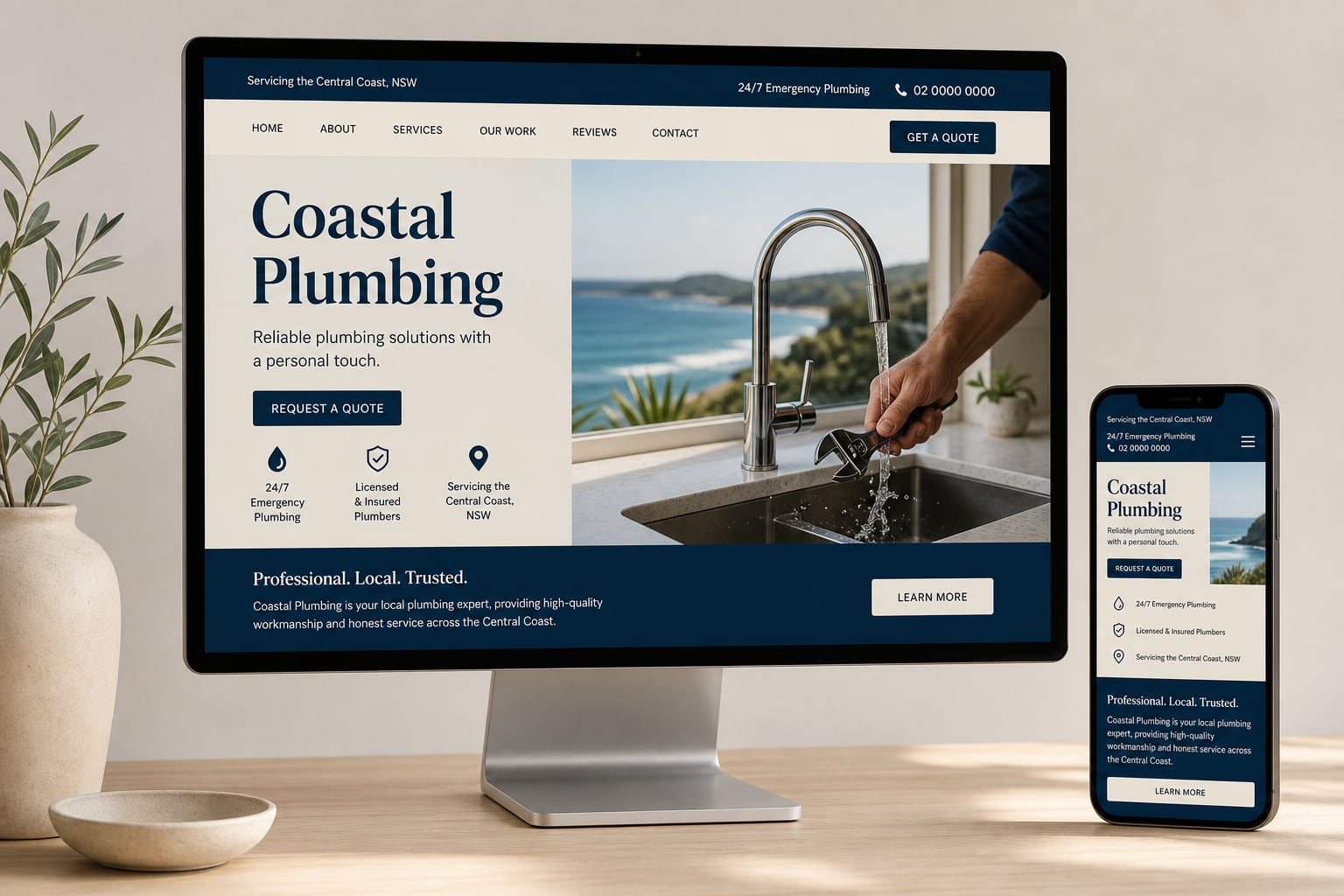
Start with a professional site — Trust Bar, services, reviews and a quote or contact form.
THE LEADPAGES APP MARKETPLACE
Choose practical apps for quotes, bookings, galleries, reviews, marketing and more — all designed to work beautifully with your LeadPages website.

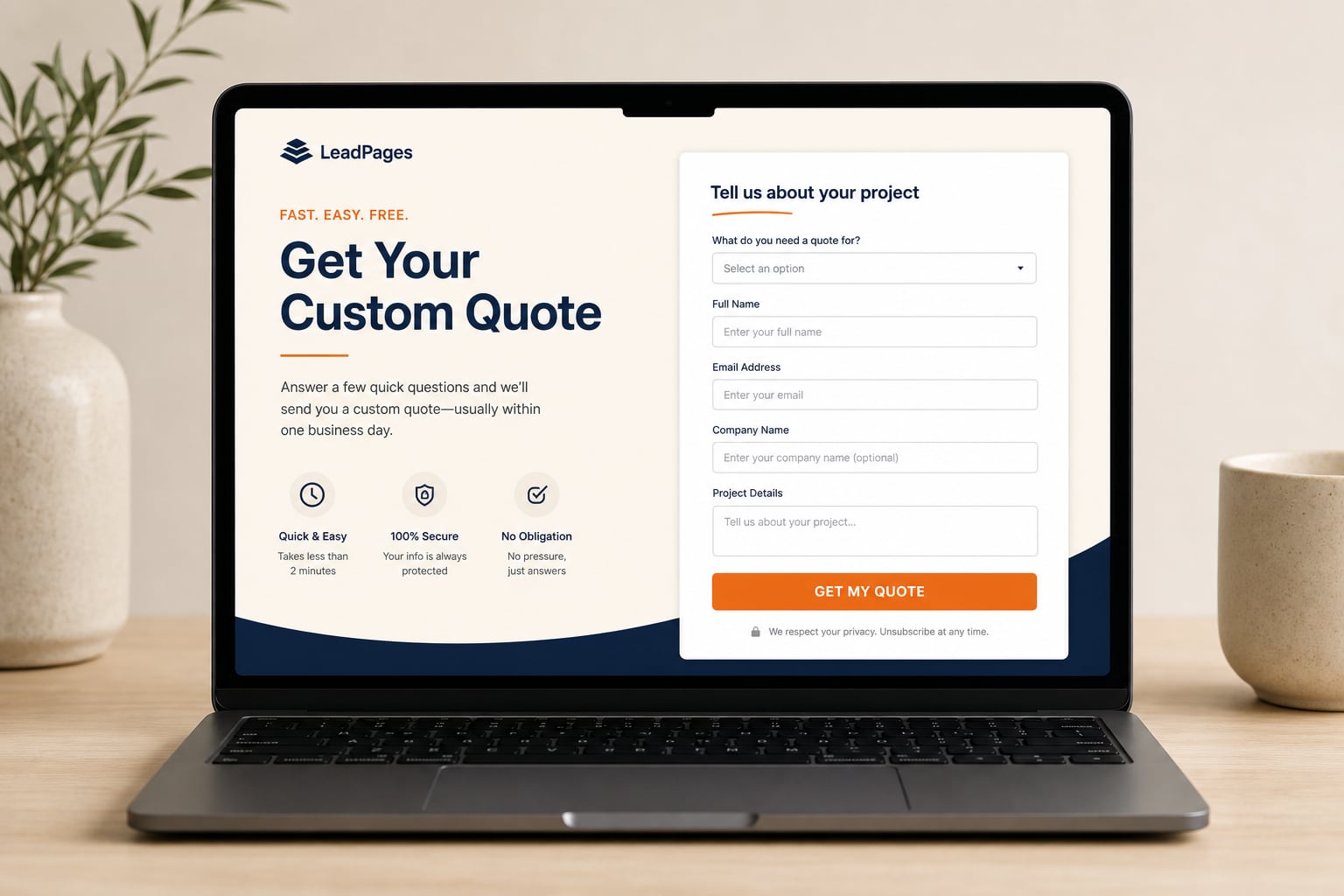
Guided quote flow with verified leads before you share pricing.
View app
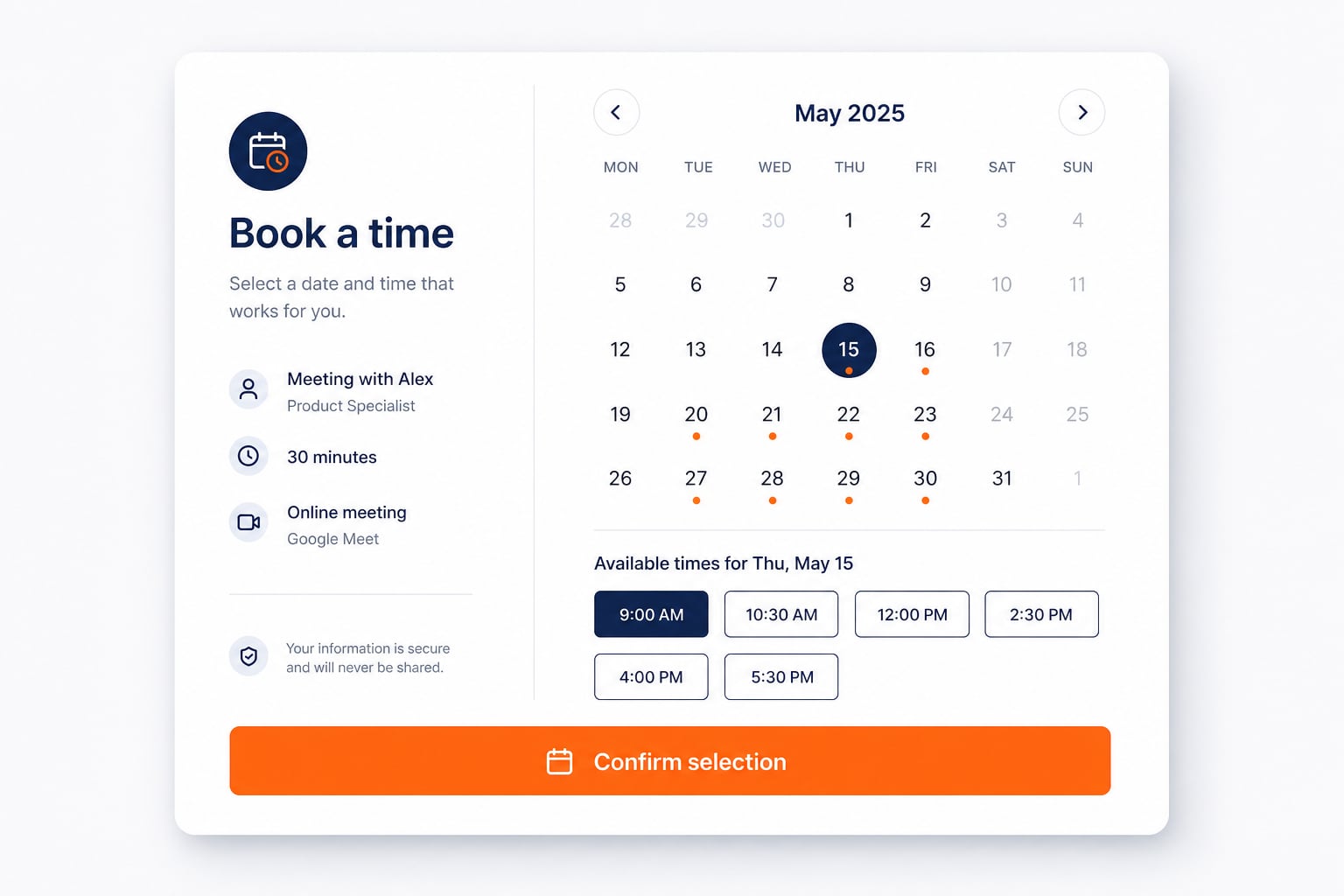
Appointment and booking call-to-action band that drives visitors to act.
View app
Design-led galleries with mosaic layouts, filters and albums.
View app
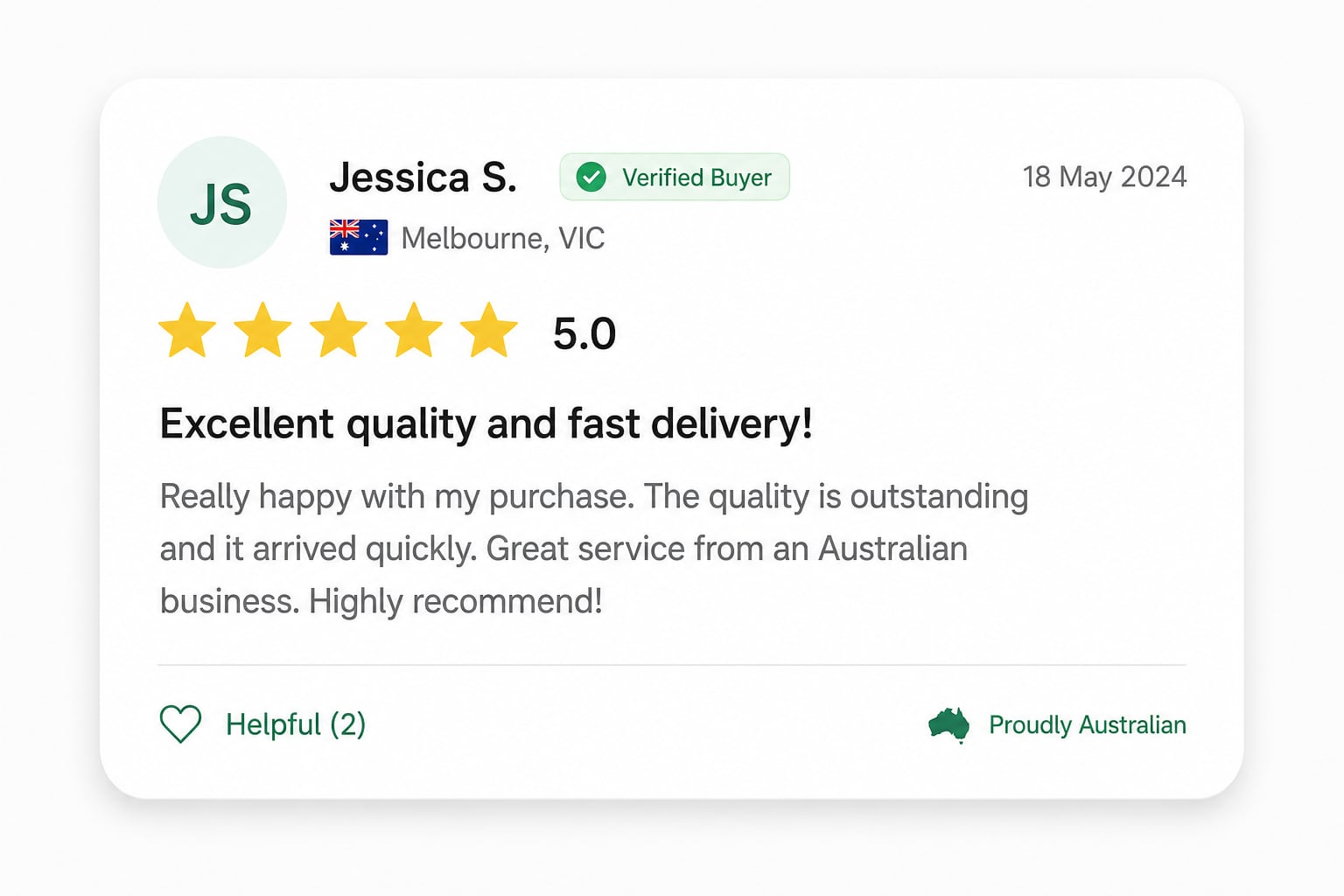
Star-rated snippets directly under the hero for instant social proof.
View app
Services, guarantees and credentials in a clear strip under the hero.
View app
Seamless scrolling logos for sponsors, partners and brands you stock.
View app
Limited-time offer strip designed for ad landing pages and promos.
View app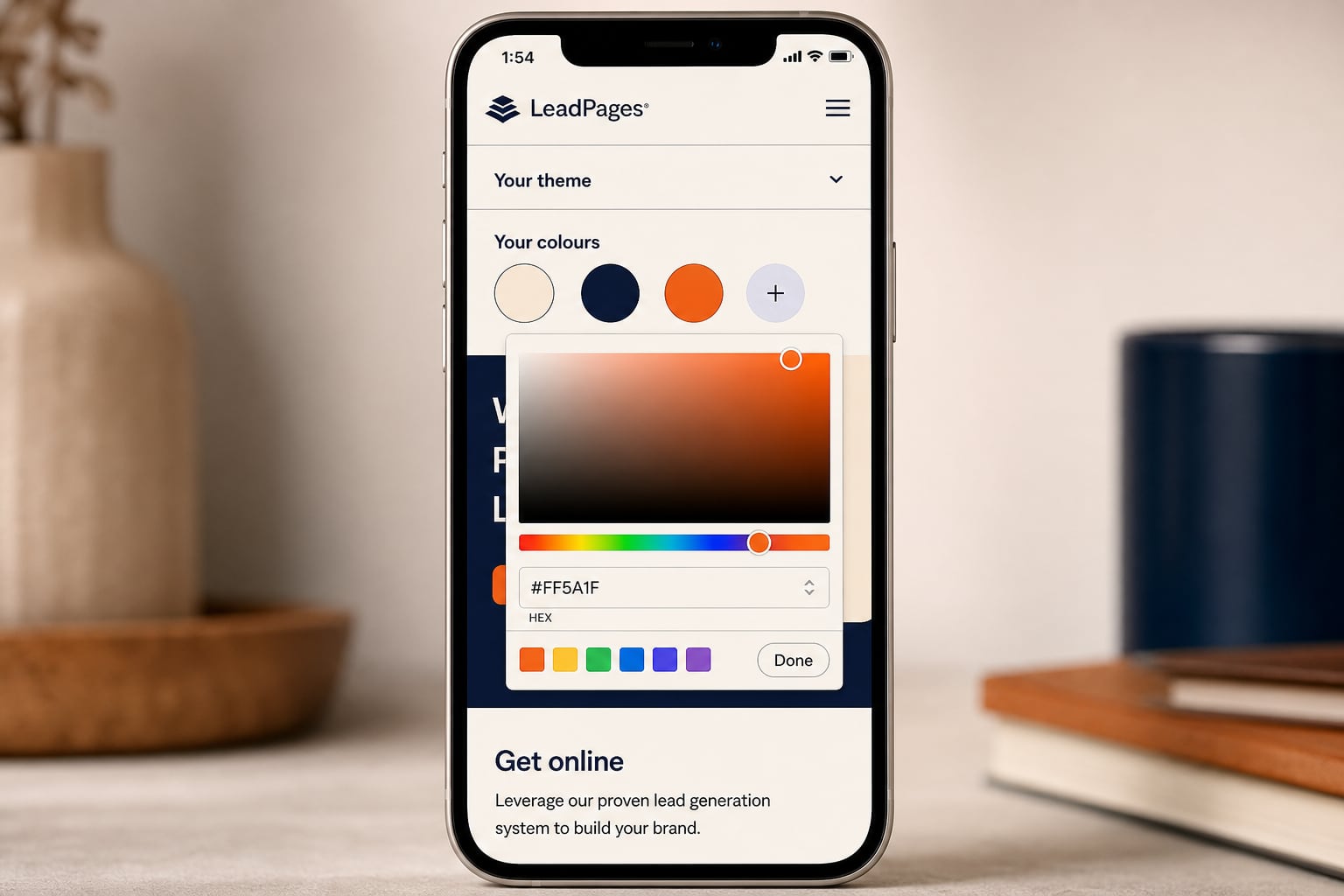
Apps inherit your brand palette — adjust once and every section stays consistent.
Fonts: Plus Jakarta Sans — or your theme pack fonts.
Start with a professional site — Trust Bar, services, reviews and a quote or contact form.
Add bookings, galleries and review highlights when you want more enquiries and proof.
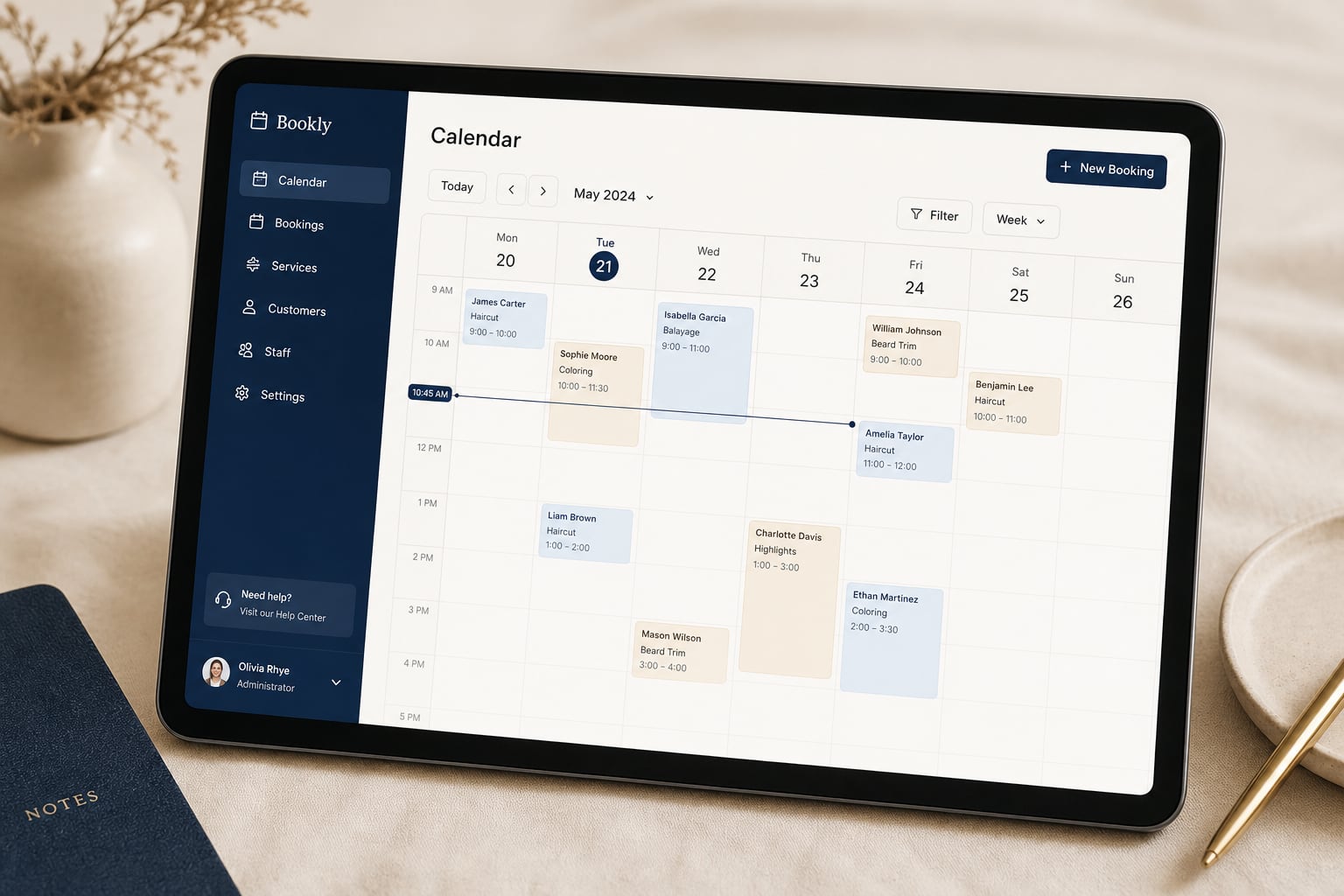
Layer premium tools — online quotes, SEO Command and Google Ads when you are ready.



24/7 urgent call-to-action bar
Collapsible questions that cut support calls
Icon highlights under the hero
Turn website visitors into quote-ready customers.
Seasonal offers, front and centre
Lead capture form with configurable fields
Star-rated snippets directly under the hero
Full review cards with source attribution
On-page article copy with H1/H2 structure
Paragraph plus suburb list for local SEO
Find us: address, live map and opening hours
Icon cards for every service you offer
Alternating photo or drawing and text rows that tell your story
Your story in milestones: year, title and a short line
Numbered reasons or icon points that build trust
First impression above the fold
Interactive drag-to-reveal hero transformation
Rotating image hero with overlay copy and CTAs
Custom nav links — pills or underline style
Two-column hero with live activity feed
Flexible text block with optional side image
Give visitors a reason to trust you immediately
Sponsors and partners, always in motion
Design-led image galleries for large photo collections
Google Ads performance in Manage
Embed HTML, CSS and JS — not an iframe
Local SEO workflows inside Manage
Grid of Instagram posts on your site
Instagram posts rendered as project cards
Live-style numeric counters
Chronological "what we are working on" feed
Side-by-side or stacked transformation gallery
Scrolling feed of transformation pairs
Short reaction quotes in a feed format
Compact "fresh off the tools" job list
Team member cards with photo and role
Card feed of latest completed jobs
Large image cards for premium project showcase
Mixed proof cards — jobs, reviews, video, before/after
Short-form video cards from the job site
Appointment conversion band
A bold call to action with one or two buttons
License and accreditation cards
After-hours status and schedule display
Interactive ballpark pricing wizard
Weekly payment callout for larger jobs
Step-by-step process timeline
Big-number credibility bar
Urgency cards for emergency trades
Map section with coverage intro
Suburb grid for geographic dominance
Limited-time offer strip for ad landing pages
No apps match your search. Try a different filter or clear the search box.
Browse the marketplace by goal — leads, bookings, galleries or premium tools.
Turn the app on from Manage. It slots into your layout in the right zone.
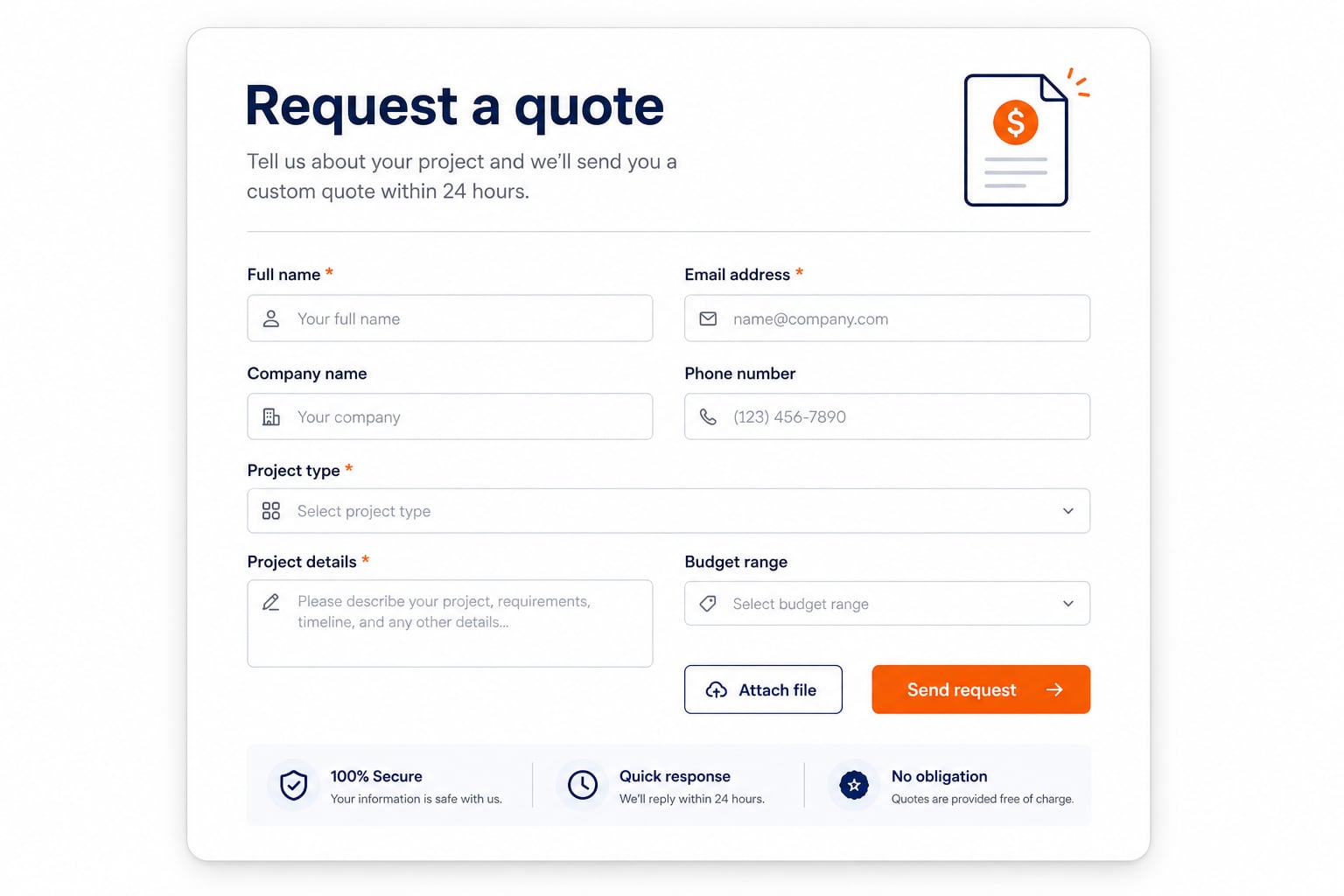
Edit copy, images and colours with the same editor you already use.
Preview on mobile and desktop, then publish — no code or plugins required.
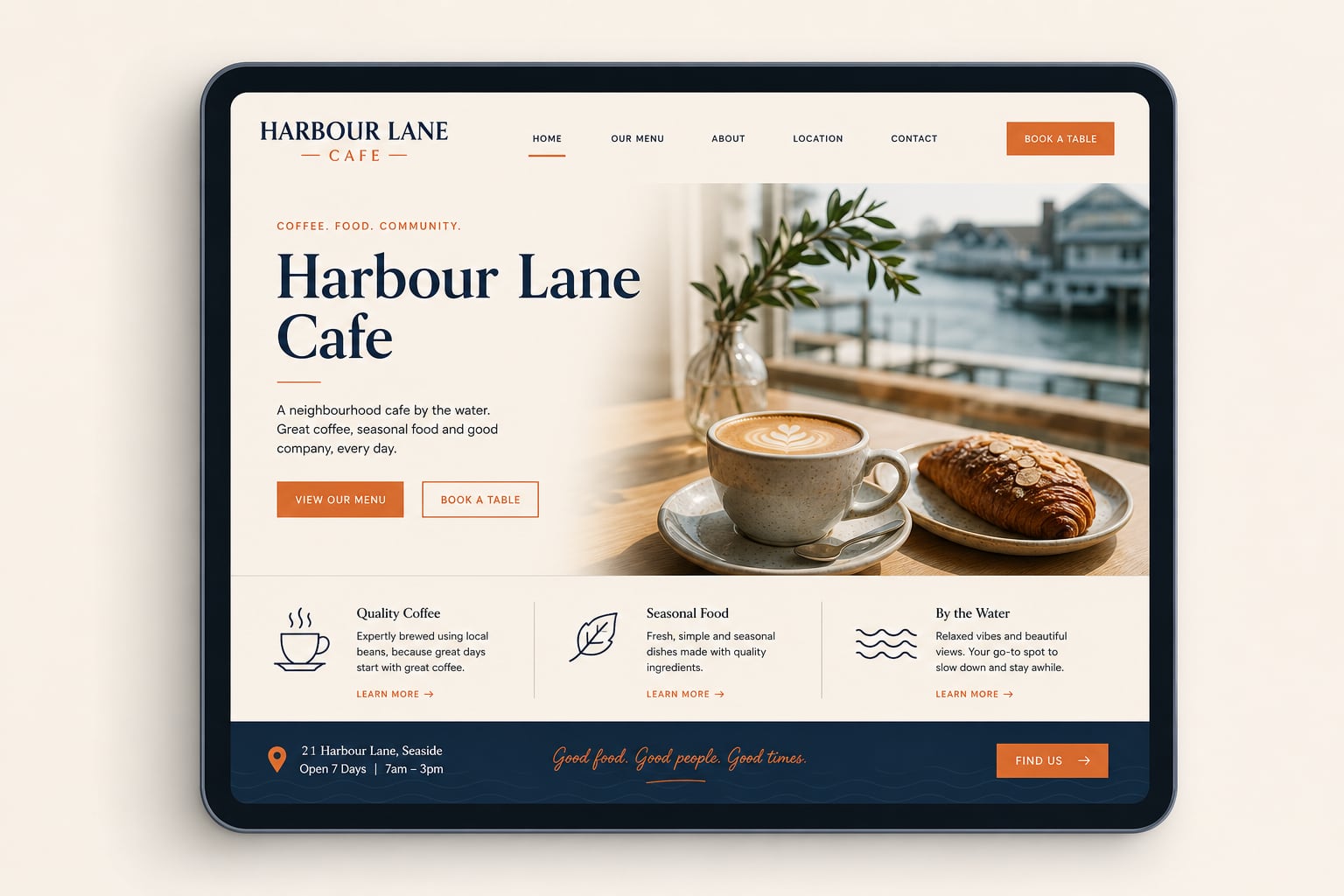

“Adding online quotes cut back-and-forth — customers know what to expect before they call.”
— Demo Tradie, Canberra Demo content

“Bookings and our Instagram gallery keep the site fresh without weekly uploads.”
— Demo Café, Melbourne Demo content

“Review highlights and trust badges made our services page feel credible overnight.”
— Demo Consultant, Brisbane Demo content
Many core sections — Trust Bar, reviews, bookings and portfolios — are included with your website. Premium apps like Online Quotes, Premium Gallery, SEO Command and Advertising are clearly marked before you add them.
Log in to Manage, open Apps, and turn on the section you want. It appears in the layout zone designed for that app — preview before you publish.
Yes. Apps inherit your theme colours, fonts and button styles so they look native — not like a third-party widget dropped on the page.
You can preview included apps on your site immediately. Premium apps show pricing and access details on their marketplace page before you subscribe or enable them.
Yes. Partners browse the same catalog when building client sites — they pick the right apps per industry and hand off a site that already works.
Absolutely. Toggle any section off in Manage without breaking your layout or losing your other content.
Every marketplace app is built mobile-first — layouts reflow, forms stay usable and galleries swipe cleanly on phones.
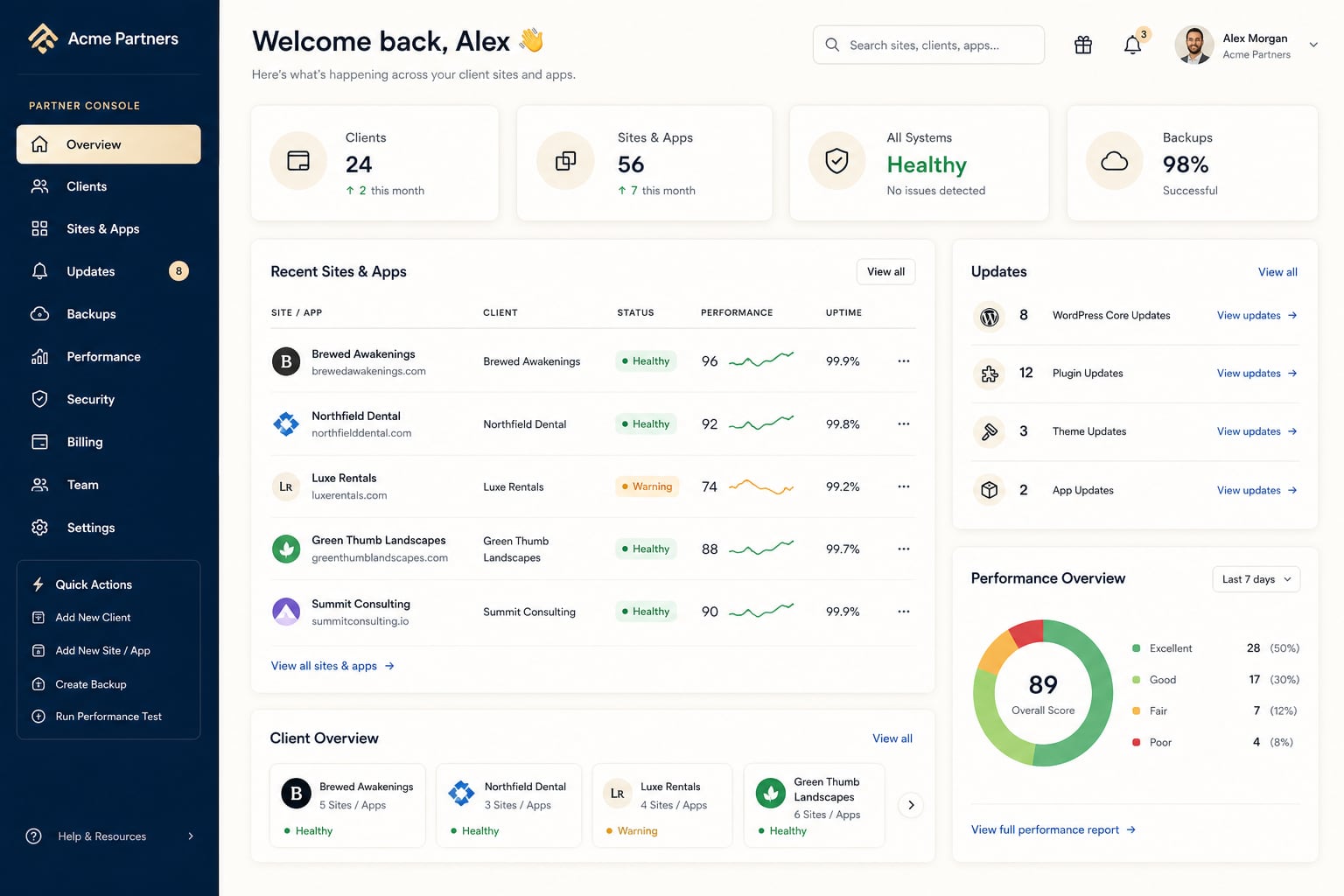
Enquiries flow into LeadPages lead capture — email notifications and your Manage inbox. Booking CTAs can link to your scheduler or quote flow.
Partners use the same app marketplace to launch client sites faster — add the right tools per industry without rebuilding from scratch.
Become a partner